
Përshkrim
This plugin detects if a visitor is using some old version of Internet Explorer and suggests to upgrade to a recent browser.
The versions to block can be configured in an admin panel.
Works for blocking IE6, IE7 and IE8.
Localisation of the plugin into french.
Foto ekrani
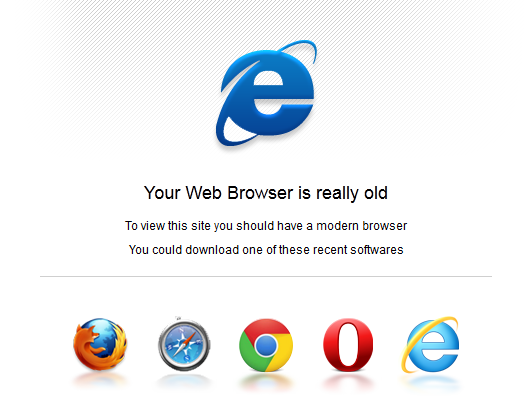
Here is what a visitor with an old version of IE will see when the plugin is activated
Instalim
You can use the built in installer and upgrader, or you can install the plugin manually.
- You can either use the automatic plugin installer or your FTP program to upload it to your wp-content/plugins directory
the top-level folder. Don’t just upload all the php files and put them in/wp-content/plugins/. - Activate the plugin through the ‘Plugins’ menu in WordPress
- Visit the plugin options page in the settings menu
- Configure any options as desired
- That’s it!
If you have to upgrade manually simply repeat the installation steps.
Shqyrtime
Për këtë shtojcë s’ka shqyrtime.
Kontribues & Zhvillues
“Stop Oldies” është software me burim të hapur. Në këtë shtojcë kanë dhënë ndihmesë personat vijues.
Kontribues

Përkthejeni “Stop Oldies” në gjuhën tuaj.
Ju intereson zhvillimi?
Shfletoni kodin, shkarkoni depon SVN, ose pajtohuni përmes RSS-je te regjistri i zhvillimeve.