

Përshkrim
Brand Master is a powerful plugin designed to provide you complete control over the appearance and behaviour of your WordPress login pages, along with a seamless experience for users through a customized frontend dashboard. Elevate your brand by creating a unique and user-friendly login and frontend dashboard environment.
Available shortcodes
- [brand_master_dashboard /]
- [brand_master_login /]
Inbuilt Patterns for Quick Setup
The ‘Brand Master’ plugin comes with a collection of inbuilt Gutenberg Block Patterns that users can easily apply for a quick setup. It includes patters for dashboard main page and support page.
Locating and Inserting Patterns
-
Access the Block Editor: Open the page or post where you want to use a pattern. Click the “Add Block” button (+) or the “+” sign in the top left corner of the block editor.
-
Switch to the Patterns Tab: In the block inserter window, click the “Patterns” tab. This displays all available patterns.
-
Dashboard : Within the Patterns tab, find the category labeled “Dashboard.” This categorization ensures a quick and efficient search for the patterns tailored to your needs.
-
Insert a Pattern: Click on one of the pattern to insert it directly into your edit content area.
-
Modify as Needed: The inserted pattern serves as a starter template. Customize it effortlessly to align with your specific requirements. Modify text, colors, and any other elements to ensure your Dashboard page reflects your unique style.
Features
-
Login Page Customization:
- Personalize the login, registration, and password reset pages with your brand colors, logo, and background images.
-
Frontend Dashboard:
- Integrate a stylish frontend dashboard for users with customizable dashboard and menu content from selected pages.
-
Branding Options:
- Customize the WordPress logo on the login page and dashboard, reinforcing your brand identity.
-
Responsive Design:
- Ensure a consistent and responsive design across devices, providing a seamless experience for users on both desktop and mobile.
-
Additional Features:
- Display login user info with avatar, advanced menu options with menu title, slug, and page selection, social links with headings, and a logout link.
There are two ways to install the plugin:
- Upload the plugin’s zip file via Dashboard -> Plugins -> Add New -> “Upload Plugin”.
- Extract the plugin folder and place it in the “/wp-content/plugins/” directory.
After installation, activate the plugin through the ‘Plugins’ menu in WordPress.
Foto ekrani
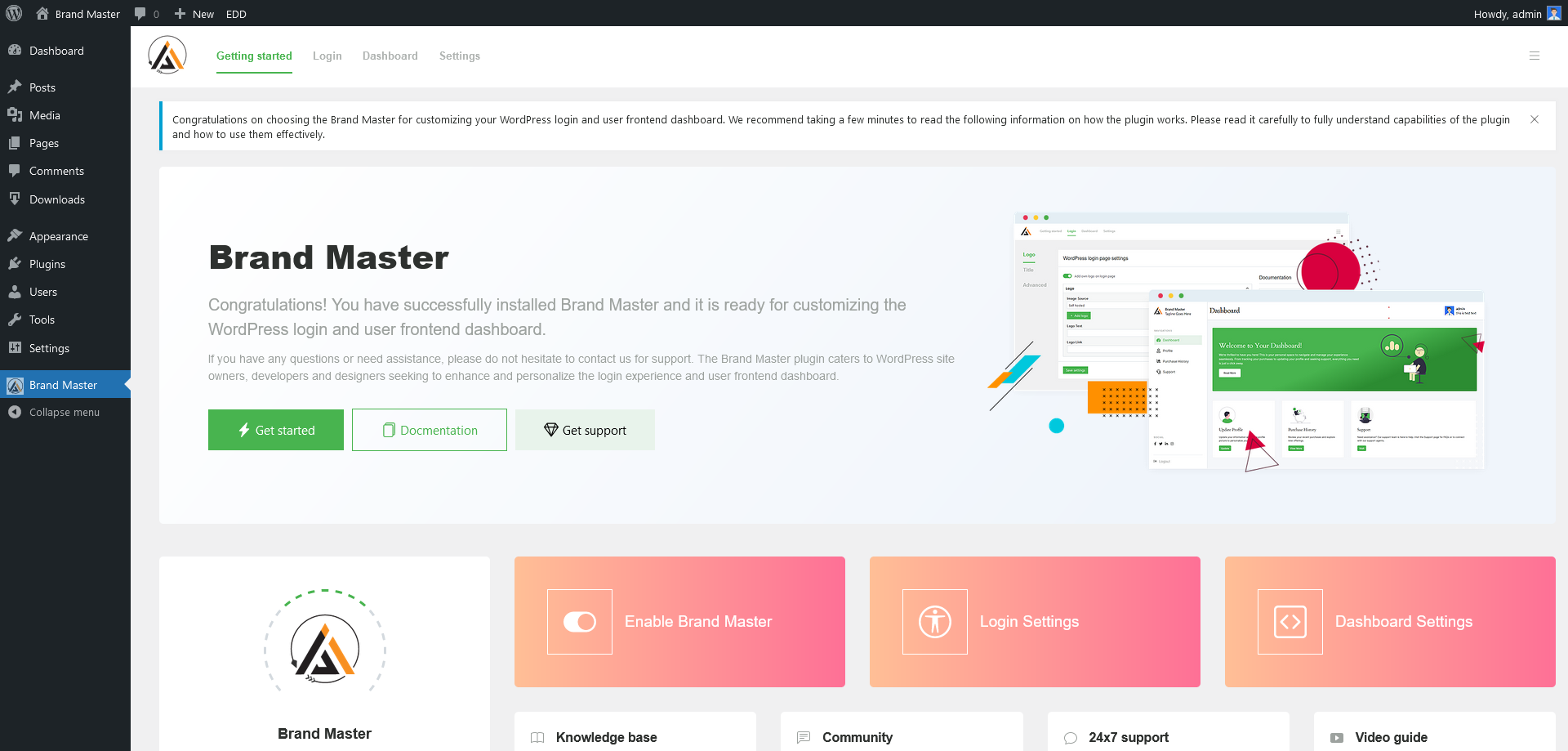
Dashboard – Getting started 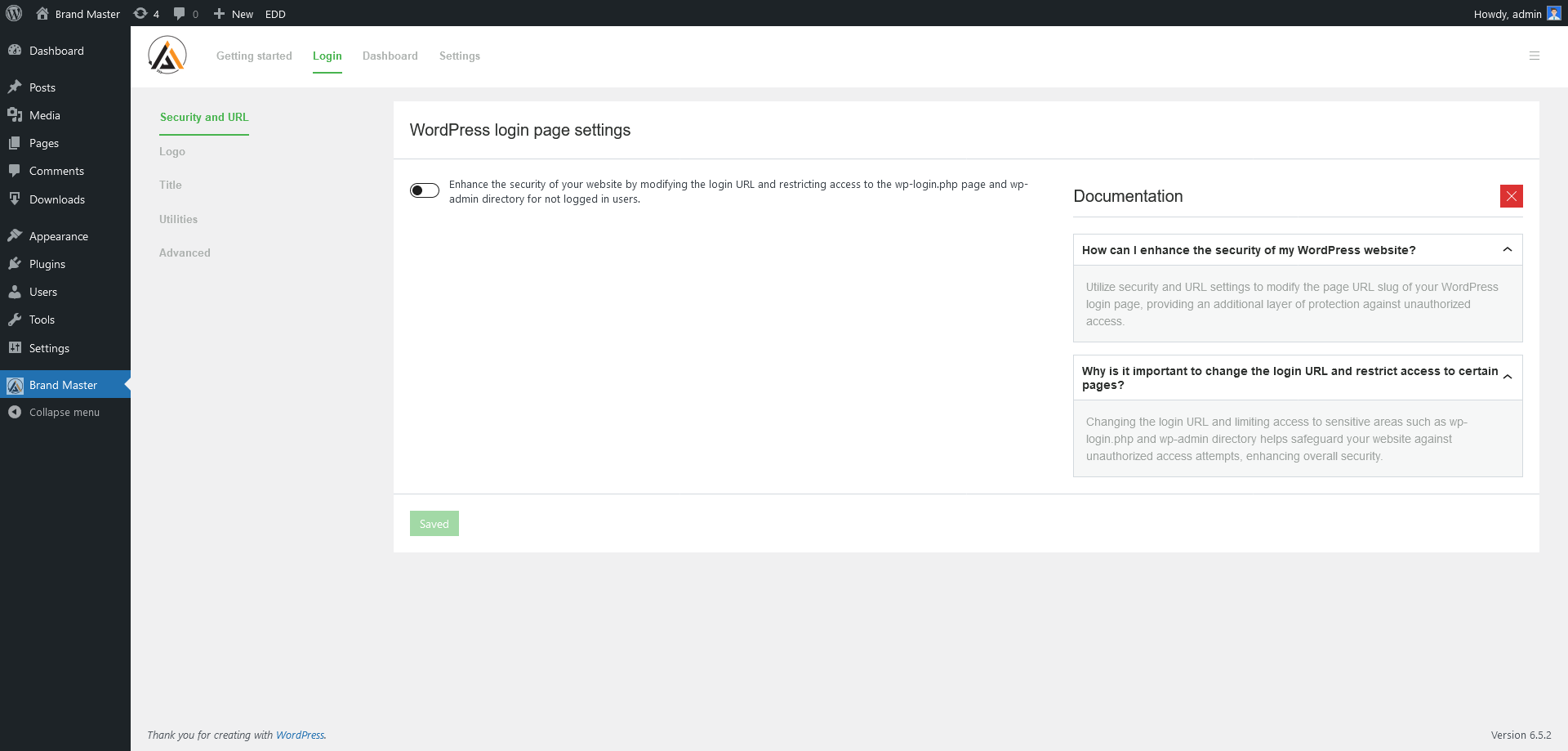
Dashboard – Login Settings => Security and URL 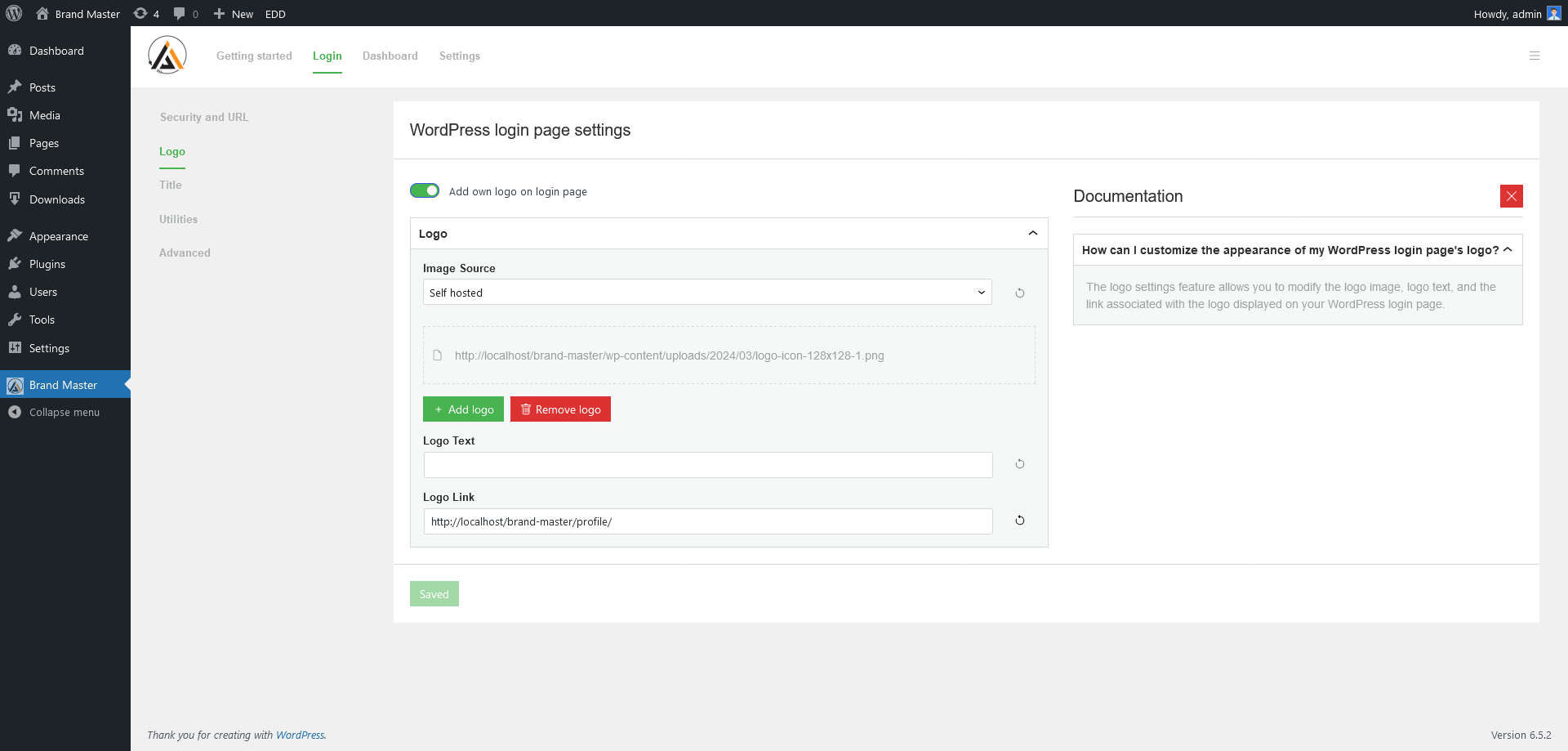
Dashboard – Login Settings => Logo 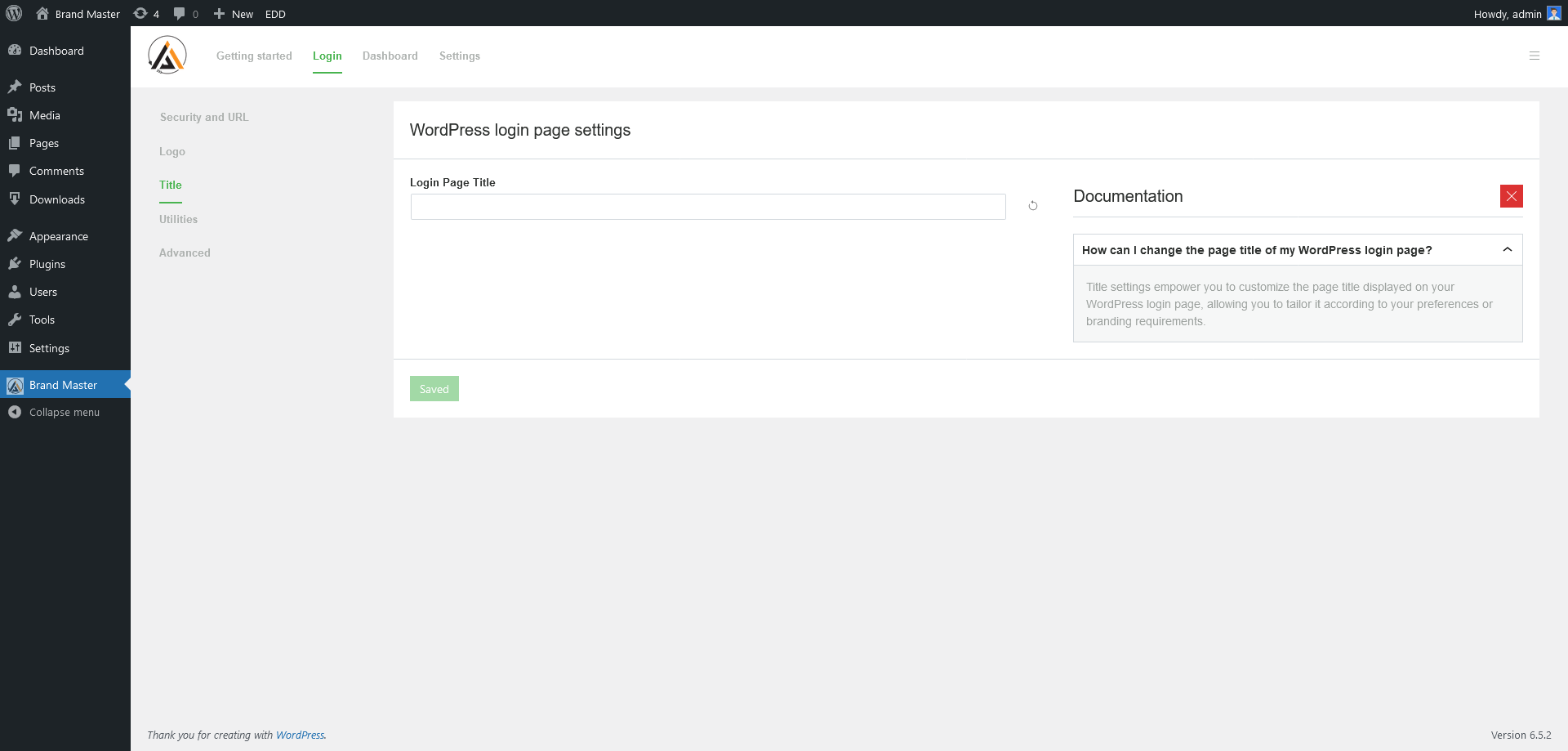
Dashboard – Login Settings => Page Title 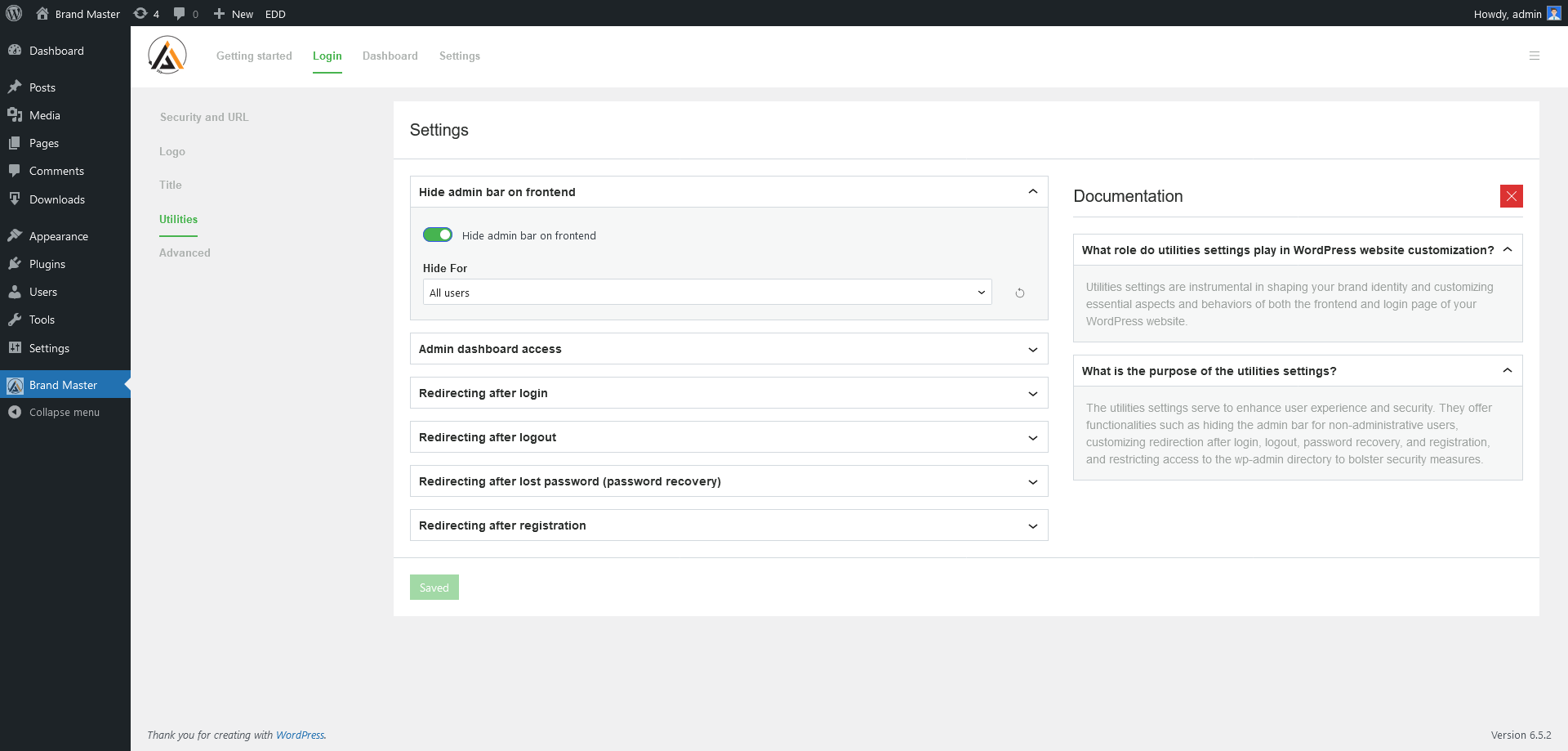
Dashboard – Login Settings => Utilities 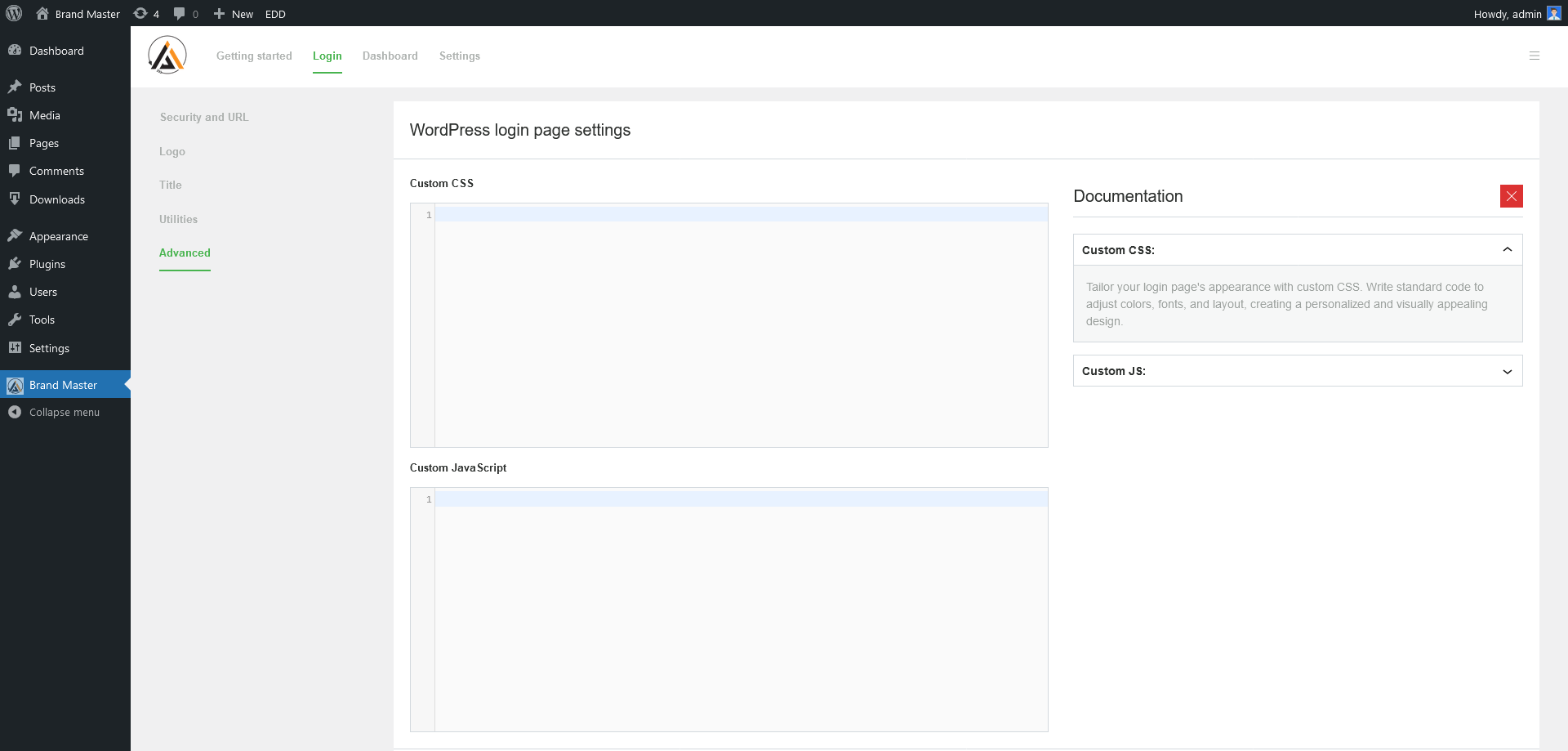
Dashboard – Login Settings => Advanced 
Dashboard – Frontend Dashboard Settings => Non-logged-in visitor page 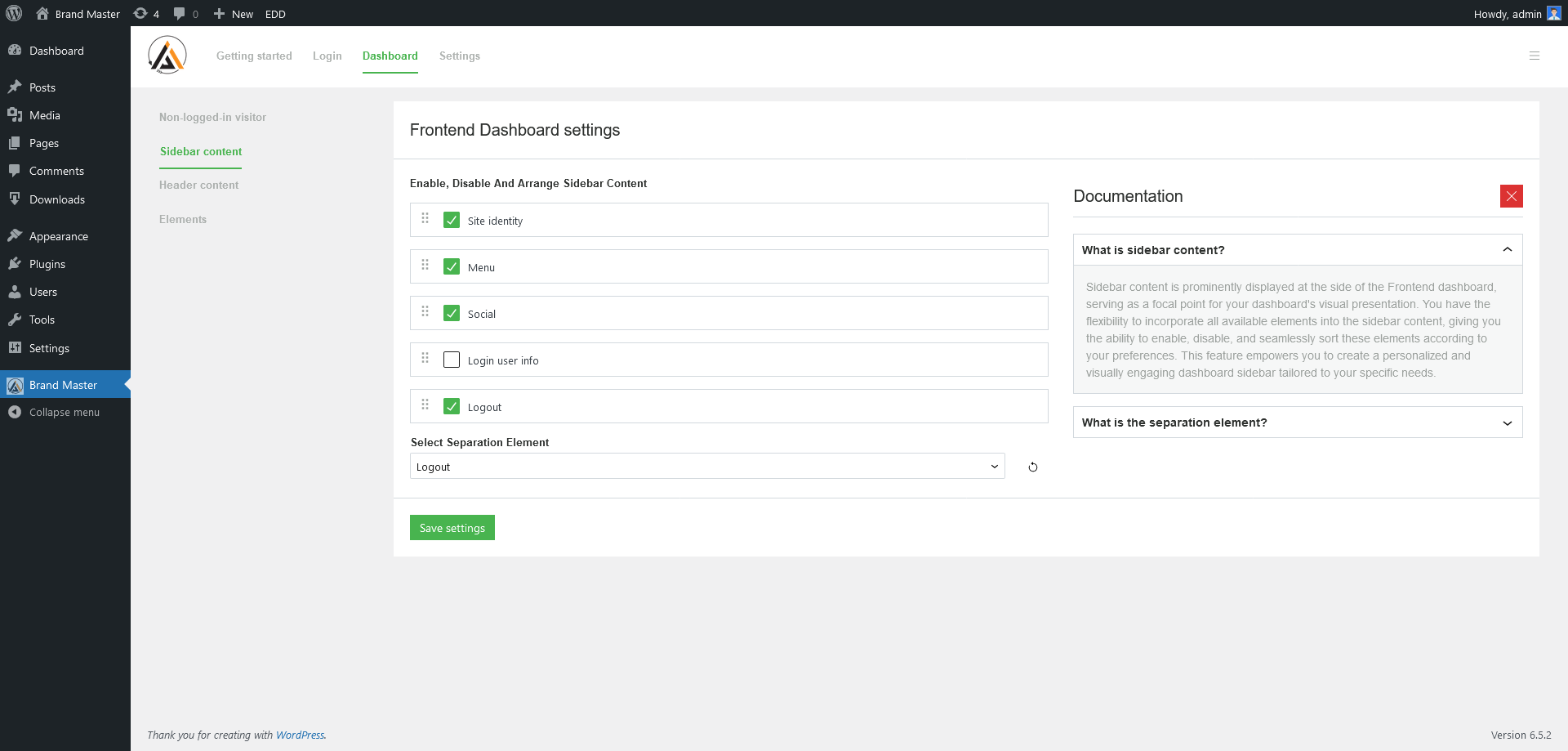
Dashboard – Frontend Dashboard => Sidebar content 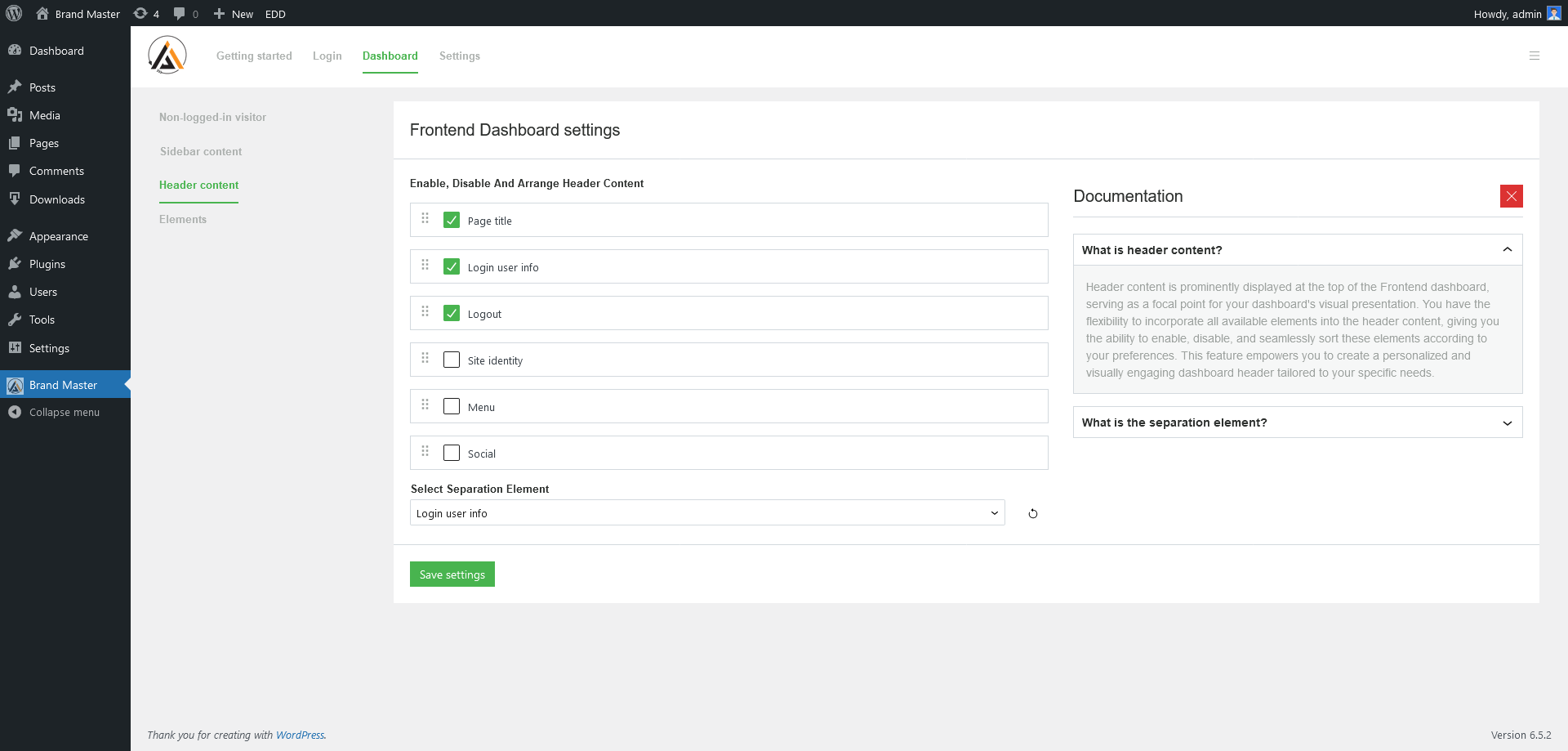
Dashboard – Frontend Dashboard => Header content 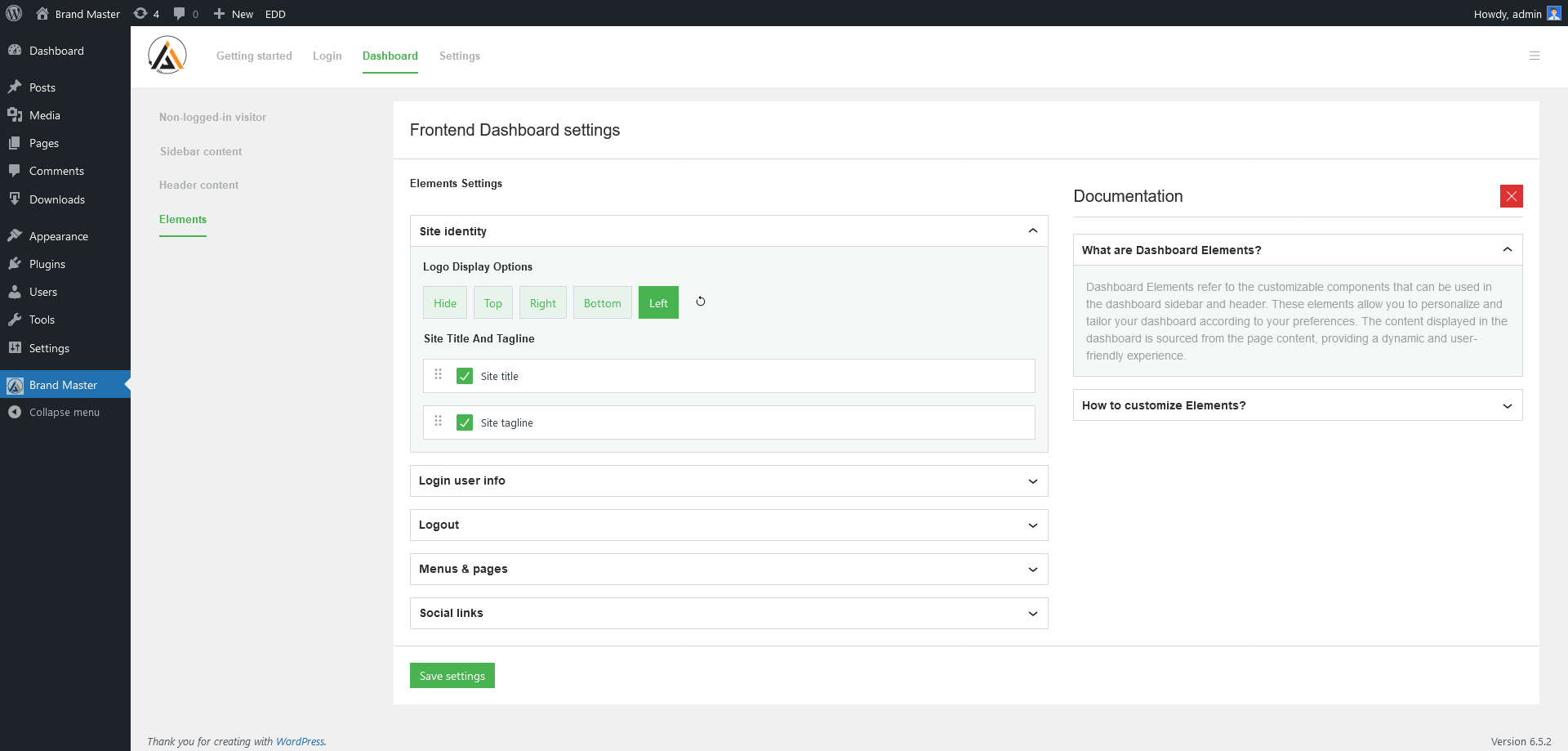
Dashboard – Frontend Dashboard => Elements 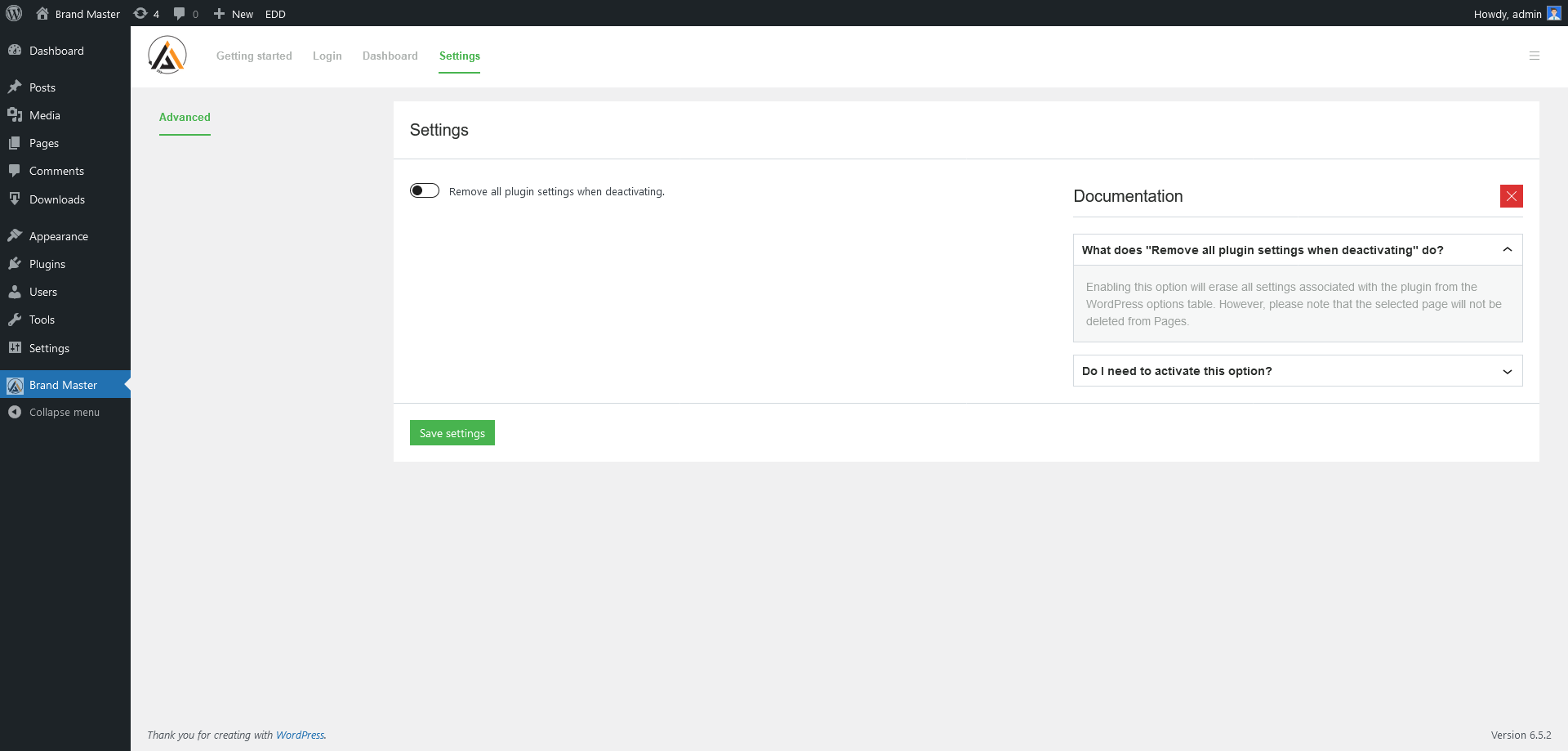
Dashboard – Settings => Advanced 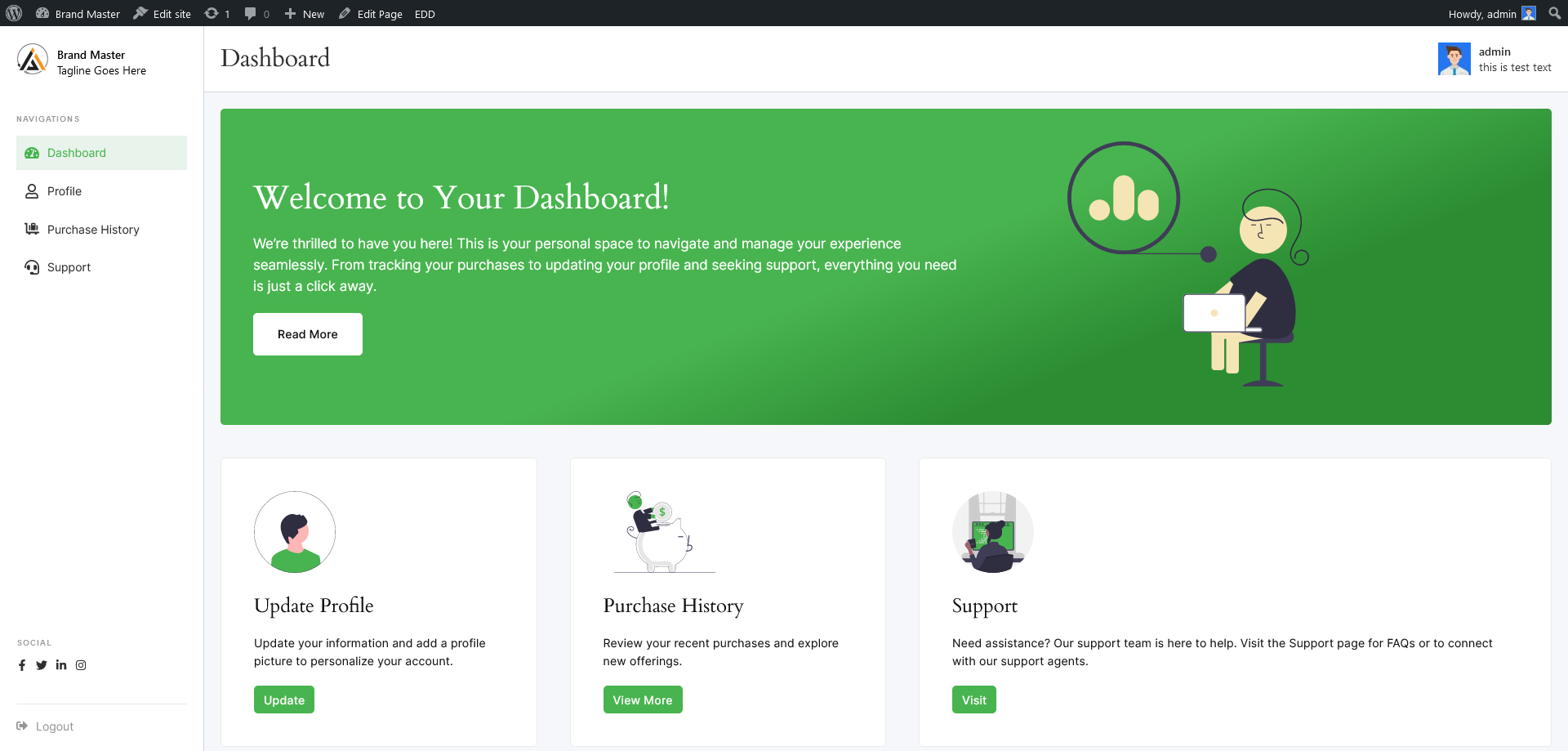
Frontend – User Dashboard 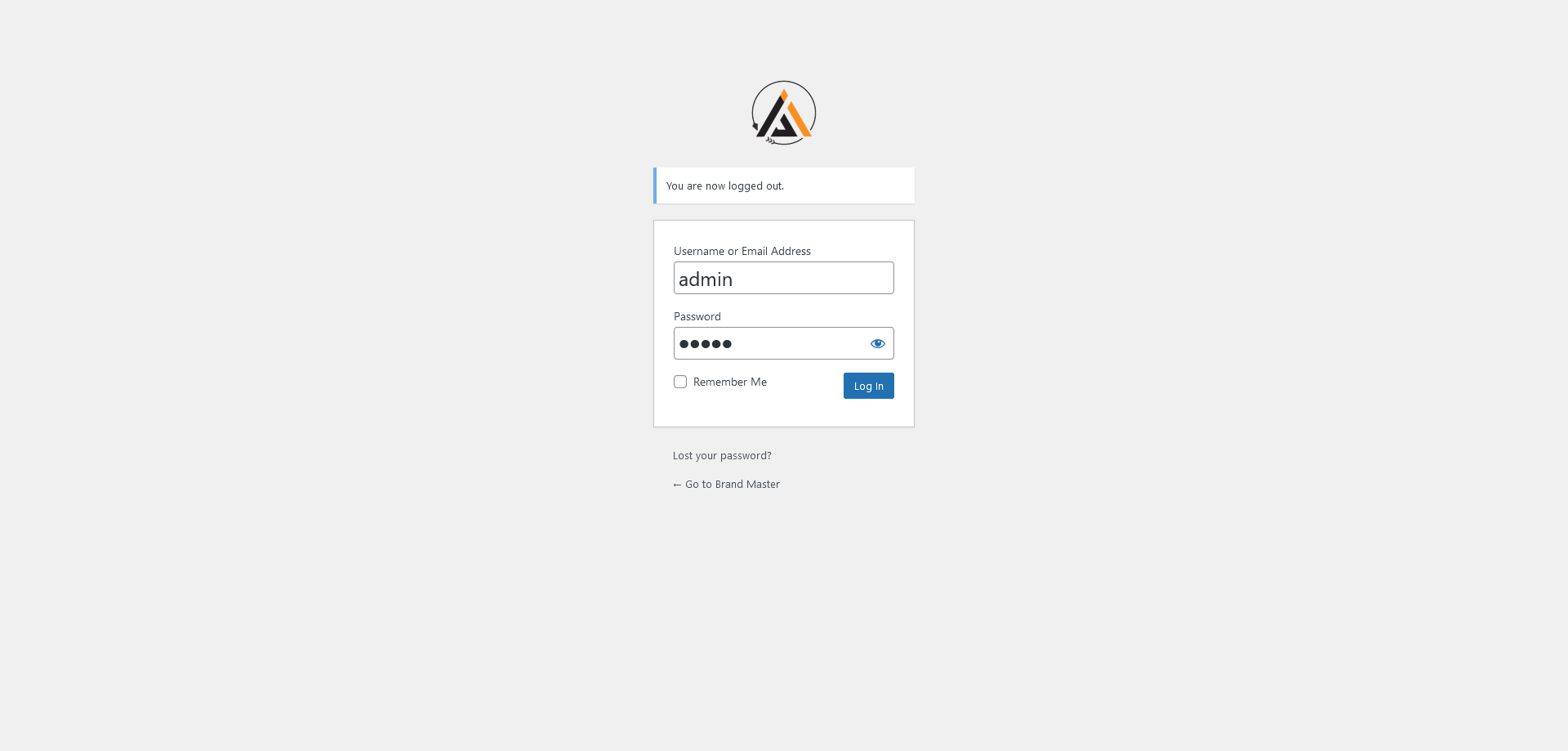
Frontend – Login page with own logo
PBR
-
How can I customize the login pages?
-
Navigate to the Brand Master settings page in the WordPress admin panel. Here, you can easily customize the login, registration, and password reset pages with your brand elements.
-
What options are available for the frontend dashboard?
-
The frontend dashboard offers user info with user avatar, advanced menu options with menu title, slug, and page selection, social links with headings, and a logout link. You can configure these options in the Brand Master settings.
-
Can I add my own branding elements?
-
Yes, you can upload your brand logo, set brand colors, and customize various elements to align with your brand identity.
-
Does this change the WordPress backend dashboard?
-
No, Brand Master does not alter the WordPress backend dashboard. It facilitates the creation of a customized frontend dashboard for users while keeping the backend dashboard unchanged.
Shqyrtime
Për këtë shtojcë s’ka shqyrtime.
Kontribues & Zhvillues
“Brand Master – Customize Login and User Frontend Dashboard” është software me burim të hapur. Në këtë shtojcë kanë dhënë ndihmesë personat vijues.
Kontribues

Përkthejeni “Brand Master – Customize Login and User Frontend Dashboard” në gjuhën tuaj.
Ju intereson zhvillimi?
Shfletoni kodin, shkarkoni depon SVN, ose pajtohuni përmes RSS-je te regjistri i zhvillimeve.
Regjistër ndryshimesh
1.0.5
- Added: WordPress latest compatibility
- Fixed: Resolved issue with translation function preload
1.0.4
- Added: Tested with the latest WordPress
- Added: RTL support
- Updated: Atomic CSS
- Updated: npm packages
- Fixed: Admin Notices Hidden by Sticky Header on Plugin Settings Page #14
1.0.3
- Updated: Plugin URL
- Updated: Author links
- Updated: Contributors links
1.0.2
- Updated: Author
- Updated: Contributors
1.0.1
- Added: Tested with the latest WordPress
- Added: Plugin link to Settings.
1.0.0
- Initial release