

Përshkrim
Updating your articles is important to keep them fresh and to help maintain their rankings in Google and other search engines. But if you have a large site with hundreds of posts, it may be hard to keep track of all your articles and when they were last updated.
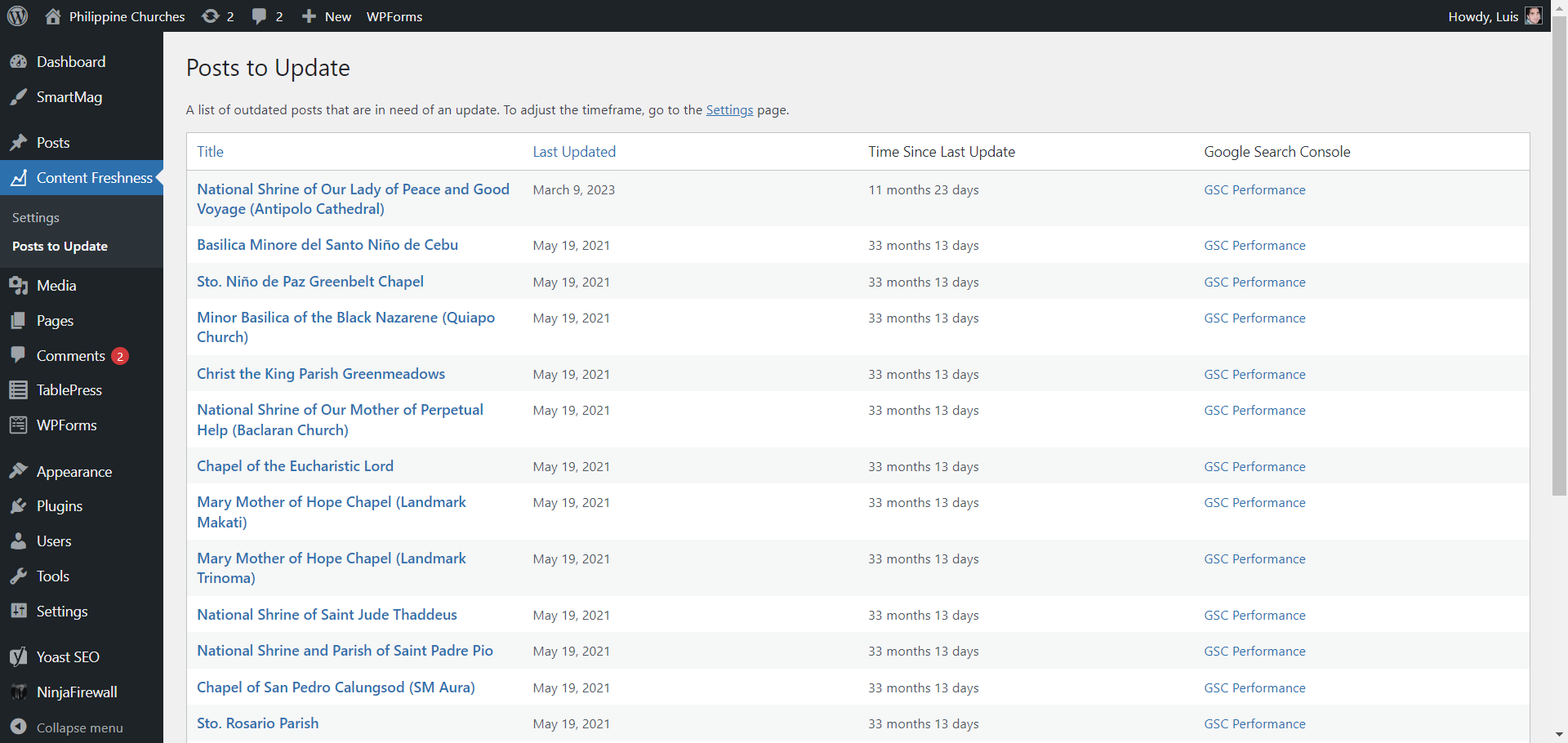
With Content Freshness, you can easily see which articles are in need of an update. You will see the dates when they were last modified, so that you can update them accordingly. You can select the timeframe for content updating – whether 3 months, 6 months, or 1 year (the default is 6 months).
If your website is already added to Google Search Console, you can choose to activate the GSC Performance option. Use it to check your individual post’s search results performance in Google Search Console before you update your articles.
Foto ekrani

Instalim
- Unzip the download file if necessary and upload the ‘wp-freshness’ folder and all its contents to your ‘/wp-content/plugins/’ directory.
- Activate the plugin through the ‘Plugins’ menu in your WordPress admin.
- Click the ‘Content Freshness’ menu in your WordPress admin.
- Select the timeframe and enable GSC Performance (if applicable).
- Click the Save Changes button to apply.
- Click ‘View Posts’ under the ‘Content Freshness’ menu to see posts that are in need of an update.
Shqyrtime
Për këtë shtojcë s’ka shqyrtime.
Kontribues & Zhvillues
“Content Freshness” është software me burim të hapur. Në këtë shtojcë kanë dhënë ndihmesë personat vijues.
Kontribues
Përkthejeni “Content Freshness” në gjuhën tuaj.
Ju intereson zhvillimi?
Shfletoni kodin, shkarkoni depon SVN, ose pajtohuni përmes RSS-je te regjistri i zhvillimeve.
Regjistër ndryshimesh
1.1
- Added “Updated Posts” page
- Added statistics page
1.0.0
- Initial version.