
Përshkrim
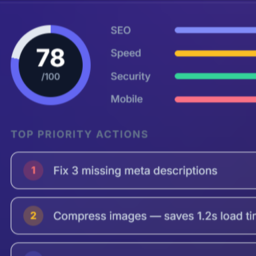
WebAudit Website Widget turns your own website into a lead magnet. Add a small “Free Website Audit” box anywhere on your site — visitors enter a URL, get an instant SEO score in about 30 seconds, and if they want the full report they leave their email. That email becomes a lead in your WebAudit AI Tool account, branded with your name, not ours.
- Drop-in widget — add via shortcode
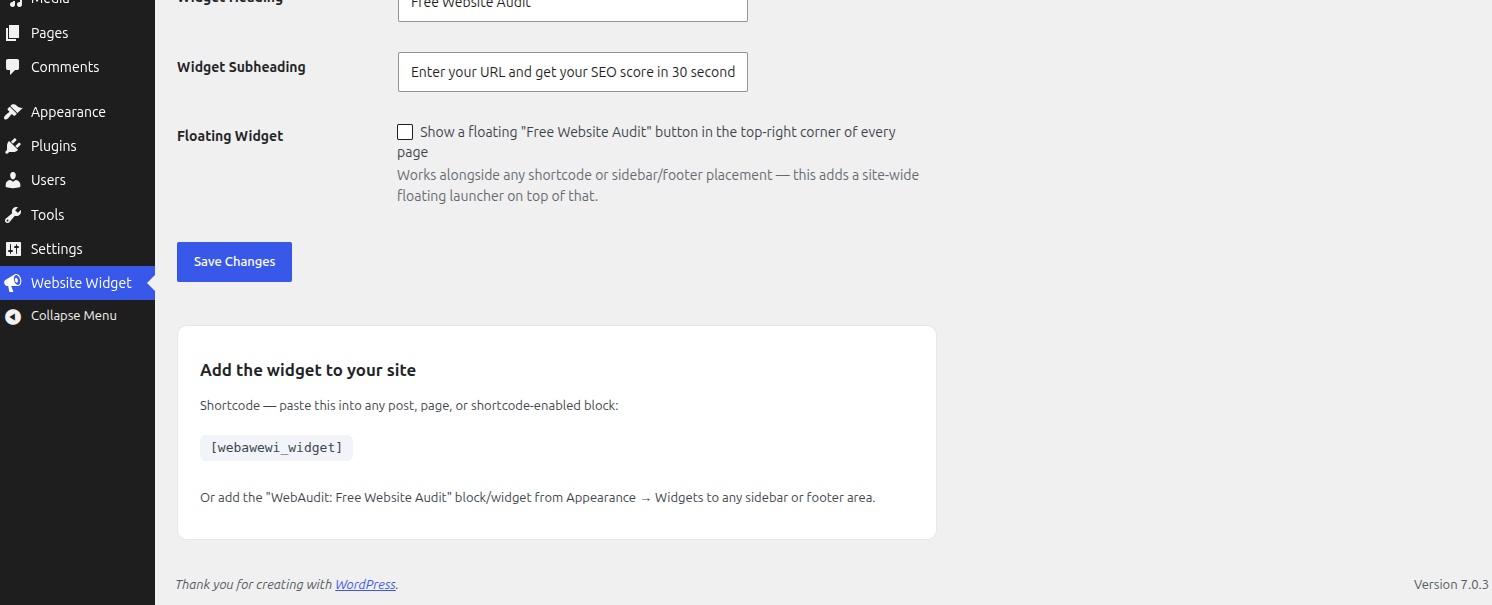
[webawewi_widget]or the “WebAudit: Free Website Audit” sidebar/footer widget - Your branding — the widget shows “Powered by (your agency name)”, linking to your own site
- Client-side only — this plugin never makes the WordPress server fetch a visitor-supplied URL; the report and lead submission are handled by your browser calling your WebAudit AI Tool account directly, the same way widgets like live-chat or booking embeds work
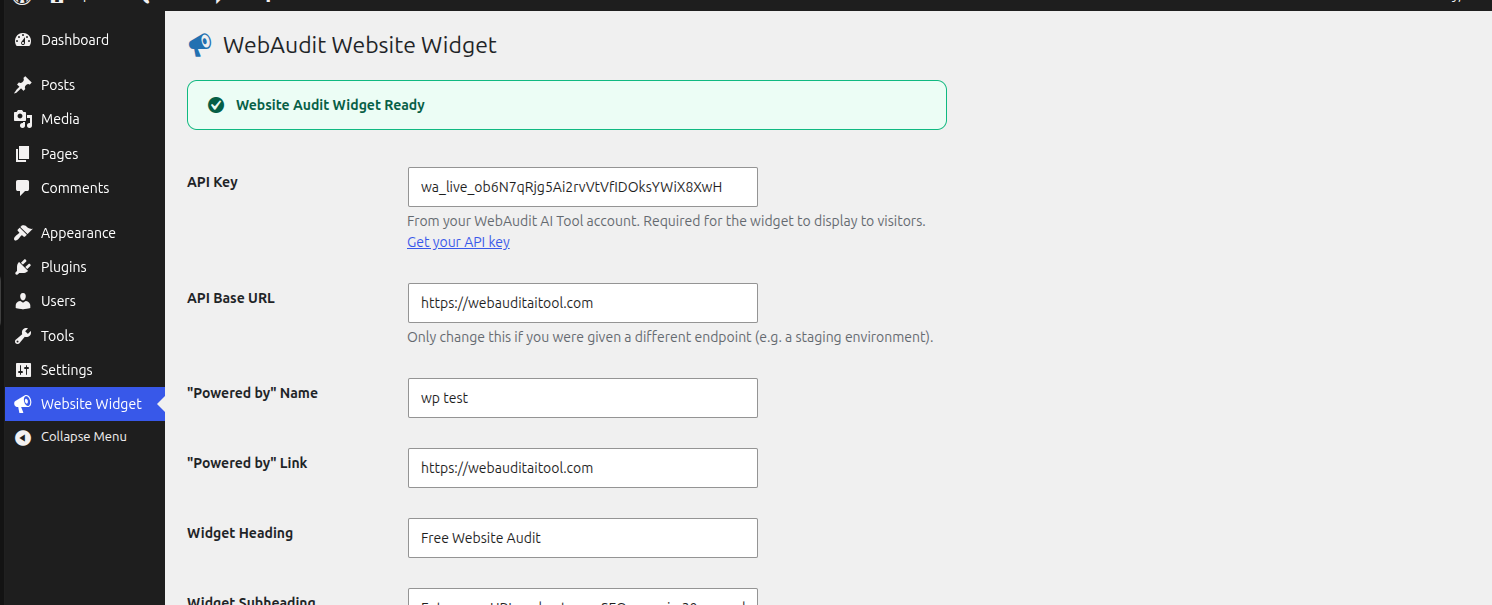
- One API Key — paste the key from your WebAudit AI Tool account and the widget activates instantly
How it works
- Install and activate the plugin
- Go to Website Widget and paste your API Key from your WebAudit AI Tool account
- Add
[webawewi_widget]to a page, or add the widget block to a sidebar/footer - Visitors run a free audit; their email becomes a lead in your WebAudit AI Tool dashboard
External services
This plugin’s PHP does not make any outbound HTTP requests. The widget it renders loads a small script that, when a visitor uses it, sends their entered URL (to request a score) and, if they choose to request the full report, their email address, directly to your WebAudit AI Tool account (https://webauditaitool.com by default, or the API Base URL you configure under Website Widget Settings). This only happens when a visitor actively uses the widget.
WebAudit AI Tool is operated by the plugin author. See their terms of service (https://webauditaitool.com/terms) and privacy policy (https://webauditaitool.com/privacy).
Foto ekrani
Instalim
- Upload the
webaudit-website-widgetfolder to/wp-content/plugins/ - Activate the plugin through the ‘Plugins’ menu in WordPress
- Visit Website Widget in the admin menu, paste your API Key, and place the widget
PBR
-
Does this plugin fetch any URL from my server?
-
No. Every request a visitor triggers — running the audit and submitting their email — is made directly from their own browser to your WebAudit AI Tool account (identified by your API Key). Nothing passes through, or is fetched by, your WordPress server.
-
Where do the leads go?
-
Directly to your own WebAudit AI Tool dashboard, attributed to your account via your API Key — not to a shared or public list.
-
What shows to visitors before I add an API Key?
-
Nothing. If no API Key is configured, only logged-in administrators see a setup reminder; the public-facing form is not rendered at all until a key is set, so a half-configured widget never reaches visitors.
Shqyrtime
Për këtë shtojcë s’ka shqyrtime.
Kontribues & Zhvillues
“WebAudit Website Widget” është software me burim të hapur. Në këtë shtojcë kanë dhënë ndihmesë personat vijues.
Kontribues
Përkthejeni “WebAudit Website Widget” në gjuhën tuaj.
Ju intereson zhvillimi?
Shfletoni kodin, shkarkoni depon SVN, ose pajtohuni përmes RSS-je te regjistri i zhvillimeve.
Regjistër ndryshimesh
1.0.0
- Initial release