

Përshkrim
Event management system using jquery -ui datepicker,timepicker addon,provides short-code to list events,widget support shows all events highlighted in calendar
- Event management system using timepicker addon,provides short-code,widget support, events slider
- Manage events,Events calendar,jquery ui event management system
- Requires at least 3.0.1
- Tested up to 4.1
Foto ekrani
screenshot-2.png 
screenshot-2.png 
screenshot-3.png 
screenshot-4.png 


Instalim
This section describes how to install the plugin and get it working.
- Download the plugin
- Upload plugin via wordpress or extract in to plugins directory of wordpress
- In wordpress admin Go to Plugins ->Installed Plugins and Activate Events Calendar Plugin
- Cut “single-events.php” from Events Calendar folder and paste in to your themes root directory.
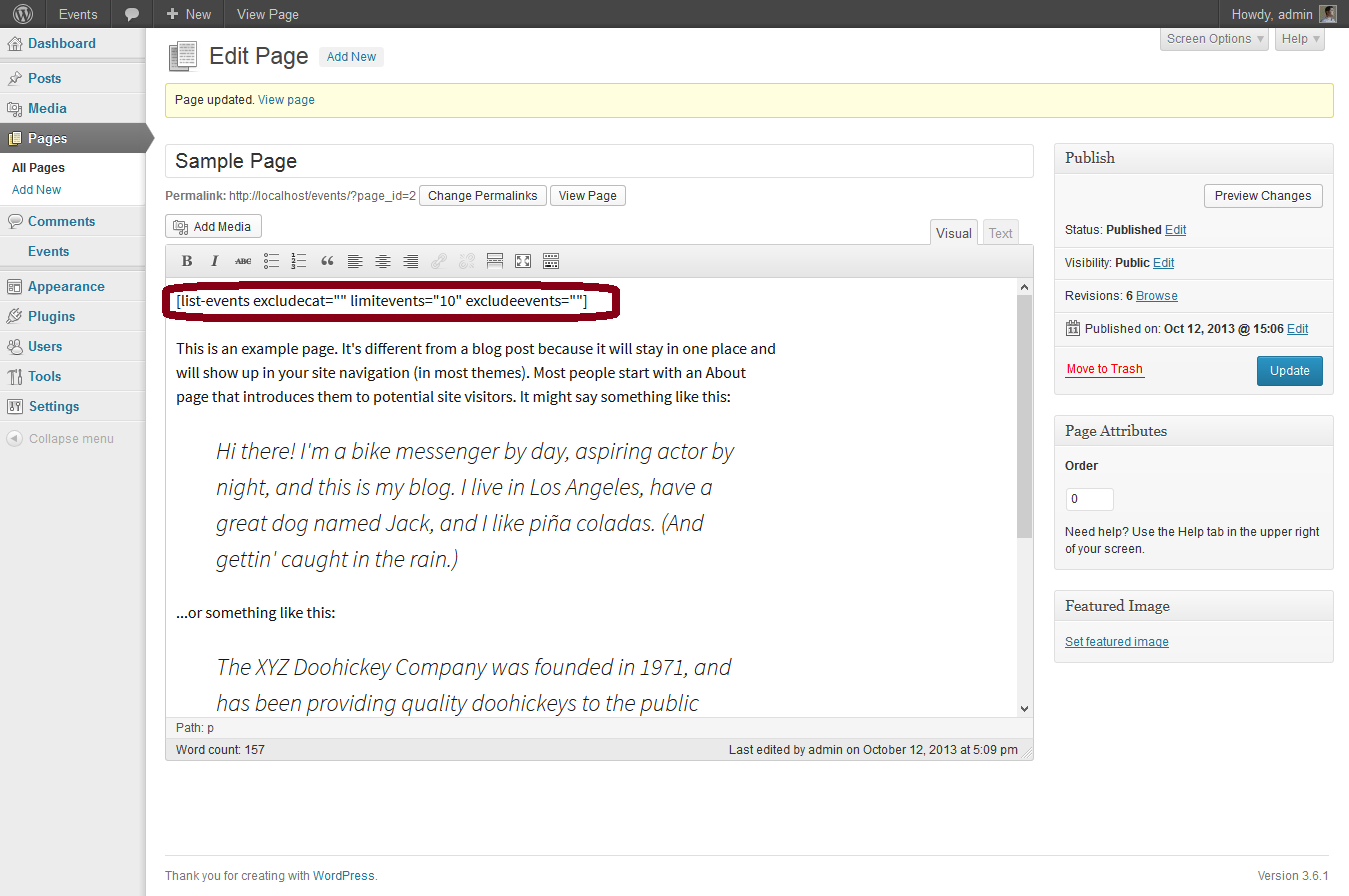
- Use [list-events excludecat=”” limitevents=”10″ excludeevents=””] short code where ever in the page content.
- excludecat=”” will have a list of comma separated ids of events categories to exclude the post from events listing.
- limitevents=”10″ to limit the no. of posts,leave empty if will list all posts.
- excludeevents=”” will have a list of comma separated ids of events (events posts ids).
- Use event calendar widget to show highlighted events in calendar
- Added events slider widget
Shqyrtime
Për këtë shtojcë s’ka shqyrtime.
Kontribues & Zhvillues
“Events Calendar” është software me burim të hapur. Në këtë shtojcë kanë dhënë ndihmesë personat vijues.
Kontribues
Përkthejeni “Events Calendar” në gjuhën tuaj.
Ju intereson zhvillimi?
Shfletoni kodin, shkarkoni depon SVN, ose pajtohuni përmes RSS-je te regjistri i zhvillimeve.
Regjistër ndryshimesh
- Fixed alignment for widget